What Is Case Airflow and Fans in a Gaming PC
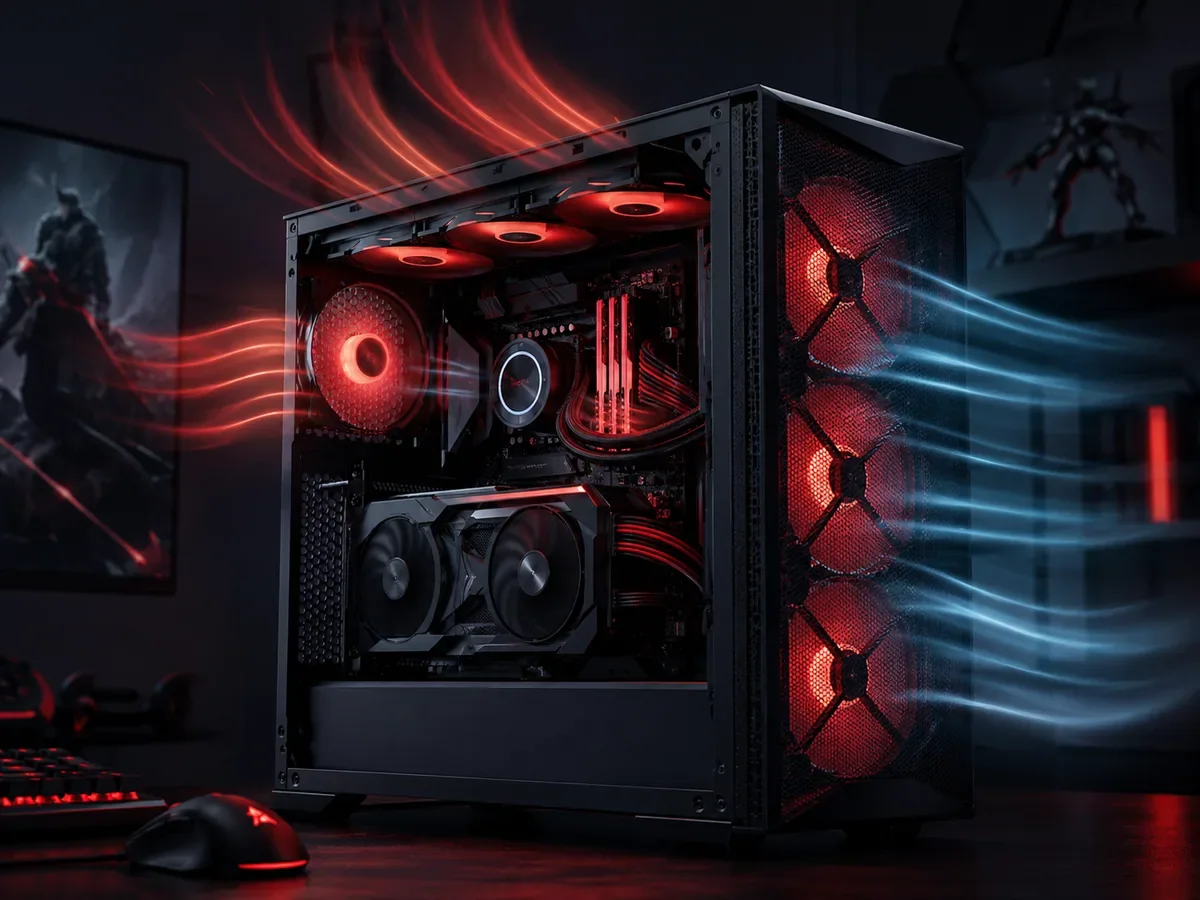
Case airflow is the way air moves through your gaming PC, pulling in cool air, passing it over hot components, and pushing the heated air back out. Fans drive that movement while the case shapes its path. Good airflow keeps your processor and graphics card cool and fast, while poor airflow causes throttling, louder fans, and parts wearing out faster.
How Does Case Airflow Actually Work?
Case airflow works by pulling cool air in through intake fans and pushing hot air out through exhaust fans, creating a steady current that carries heat away from your processor and graphics card, a principle covered in general terms by Noctua's airflow fundamentals guide. Case airflow that follows this front to back path keeps components cooler and quieter.
Why Airflow Matters in a Gaming PC
Every powerful component inside your computer turns electricity into work and heat at the same time. A modern processor and a high end graphics card can each give off a large amount of heat under load, especially during demanding games. That heat has to go somewhere, and if it lingers inside the case, the temperature of every nearby part climbs. Heat is the enemy of consistent performance because most components are designed to protect themselves by slowing down when they get too hot, a behavior called thermal throttling.
When throttling kicks in, your frame rate drops, the game stutters, and the smooth experience you paid for disappears even though your hardware is technically capable of more. Sustained high temperatures also shorten the lifespan of sensitive parts and dry out the thermal paste that helps move heat away from chips. Good case airflow solves all of this by constantly replacing hot internal air with cooler air from the room, holding temperatures low enough that your components can stay at their boost speeds. In short, airflow is not a luxury add on, it is the foundation that lets the rest of your hardware perform the way it should.
Intake Versus Exhaust
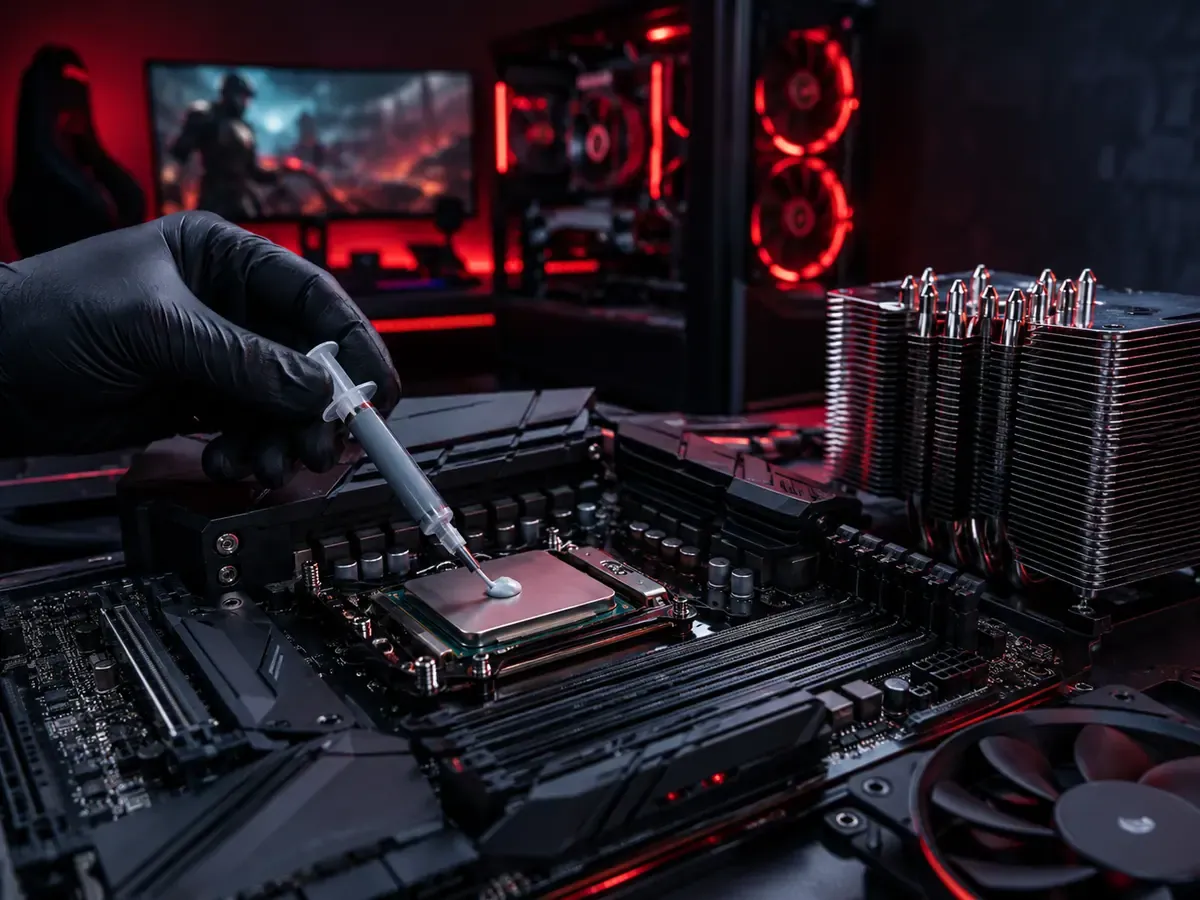
The whole concept of airflow comes down to two jobs that fans perform. Intake fans pull cool air from outside the case and push it inward, usually mounted at the front and sometimes the bottom of the case. Exhaust fans do the opposite, pulling hot air from inside the case and pushing it out, usually mounted at the rear and the top. Together they create a steady current that carries heat out of the system instead of letting it pool around your most expensive parts.
The natural and most effective pattern follows physics. Cool air is denser and tends to enter low and at the front, while hot air rises and leaves through the top and back. So a classic layout pulls fresh air in through the front and bottom, sweeps it across the graphics card and processor cooler, and expels the warmed air out the rear and top. Thinking of it as a one way street helps a lot. You want a clear, deliberate direction for the air to travel, with intake on one side and exhaust on the other, so cool air always reaches the hot parts before being pushed out.
Positive and Negative Pressure Explained
Pressure describes the balance between how much air your intake fans push in and how much your exhaust fans pull out. It is one of the most discussed topics in PC building, and understanding it helps you make a smart choice for your setup. There are three possible states, and each behaves differently with regard to dust and temperatures.
- Positive pressure means intake fans move more air in than exhaust fans move out, so the case holds slightly more air than the room. The extra air forces its way out through any small gaps and openings, which means dust mostly enters through your filtered intake fans rather than through unfiltered cracks. This keeps the inside of your case cleaner over time.
- Negative pressure means exhaust fans pull more air out than intake fans push in, so the case is slightly starved of air. The shortfall gets sucked in through every unfiltered gap, vent, and seam, which can pull dust into the case from places you cannot easily clean. It can move heat out efficiently but tends to make the interior dustier.
- Balanced pressure means intake and exhaust roughly match. It sits in the middle and works well for many builds, especially when intake fans have dust filters.
For most gamers, a slightly positive pressure setup is a great default. It keeps temperatures low while reducing how much dust collects inside, which means less cleaning and more stable performance over the months you own the machine. For a practical comparison of dust behavior and pressure balance, see Corsair's positive versus negative pressure guide.
Where to Place Your Fans
Fan placement is where airflow theory becomes practical. The most common and reliable layout uses front and bottom mounts for intake and rear and top mounts for exhaust. Front intake fans deliver fresh air straight to the graphics card, which is usually the hottest component during gaming. A rear exhaust fan sits right behind the processor cooler and shoves that warm air out the back almost immediately. Top exhaust fans take advantage of rising hot air and clear it from the upper part of the case.
The number of fans you need depends on your case and your components, but a simple three fan arrangement of two intake at the front and one exhaust at the rear already creates a clean front to back current. Adding a top exhaust fan helps high heat builds, and adding a third front intake or a bottom intake feeds even more cool air to a power hungry graphics card. The goal is always to make sure cool air physically reaches your hot parts and that hot air has a short, clear path to leave.
Fan Size, Speed, and Noise
Fans come in different sizes, and bigger is often better for airflow and quiet. A larger fan can move the same volume of air as a smaller one while spinning more slowly, which means it pushes plenty of air without the high pitched whine that small, fast fans produce. This is why many builders prefer the largest fans their case supports. When choosing fans, you will see two main types described by their strengths.
Airflow focused fans are optimized to move a high volume of air through open spaces and are ideal as intake and exhaust fans in the open areas of a case. Static pressure focused fans are built to push air through resistance, such as a dense radiator or a tight dust filter, where airflow fans would struggle. Matching the fan to the job gives you the best results. For balancing performance and quiet, set a fan curve so fans stay calm during light tasks and ramp up only when temperatures actually rise, giving you silence at the desktop and cooling power in the heat of a match.
Cable Management and Clear Air Paths
Even the best fan setup is undermined if the air cannot flow freely once it is inside the case. Tangled cables draped across the interior act like a net that breaks up the current and traps pockets of hot air. Routing cables behind the motherboard tray and bundling them out of the open chamber keeps the central area clear so air can sweep across components without obstruction. Many cases include channels and tie down points specifically for this purpose.
Dust filters on intake fans are another simple but powerful habit. They catch most of the dust before it settles on your components, but they also need occasional cleaning because a clogged filter chokes your intake and quietly raises temperatures over time. Keeping cables tidy and filters clean costs nothing and pays back in lower temperatures, quieter operation, and a system that stays reliable for years rather than slowly suffocating under accumulated grime.
Once your cooling direction is right, the rest of the setup benefits from the same careful thinking. See our headset buying guide, chair selection guide, new player guide to digital game keys, and ways to save on game keys for related PC setup and purchasing tips. Add our PC cooling article, display planning reference, and workstation ergonomics reference to the same setup checklist.
How Airflow Protects Performance and Temperatures
Bringing it all together, airflow is the system that lets your gaming PC deliver the speed it is built for. When cool air constantly reaches your processor and graphics card and hot air is whisked away, those parts stay below their throttling thresholds and keep running at their highest boost clocks. That translates directly into higher and more stable frame rates, fewer stutters, and the ability to play long sessions without performance fading as the case heats up.
The benefit goes beyond raw speed. Cooler components are healthier components. Lower temperatures slow the aging of capacitors, preserve thermal paste, and reduce the strain on every part inside the case, all of which extends the working life of your investment. A well ventilated case also runs quieter overall, because cool air means fans can spin slower to do the same job. Spending a little time on airflow is one of the highest value things you can do for a gaming PC, because it protects both the experience today and the hardware you will keep using tomorrow. For more context on keeping a gaming PC cool under load, read Intel's PC cooling guidance.
A Quick Airflow Checklist
If you want a simple plan, start by confirming a clear front to back and bottom to top direction with intake at the front and bottom and exhaust at the rear and top. Aim for slightly more intake than exhaust to lean positive and keep dust out. Use dust filters on your intake fans and clean them regularly along with the rest of the case. Route cables behind the motherboard tray so the open chamber stays unobstructed. Choose the largest fans your case allows and set a sensible fan curve for quiet idle and strong cooling under load. Revisit your setup whenever you add a hotter component or notice rising temperatures, and your gaming PC will reward you with cool, quiet, and consistent performance.
FAQ
What is the difference between intake and exhaust fans?
Intake fans pull cool air from outside into the case and are usually mounted at the front and bottom. Exhaust fans push hot air out of the case and are usually mounted at the rear and top. Together they create a current that carries heat away from your components.
Should I use positive or negative pressure?
For most gamers, a slightly positive pressure setup is the best default. It keeps temperatures low while forcing dust to enter mainly through filtered intake fans rather than unfiltered gaps, so the inside of your case stays cleaner and needs less maintenance.
How many case fans do I need for gaming?
A reliable starting point is three fans, with two intake at the front and one exhaust at the rear. This creates a clean front to back current. High heat builds benefit from adding a top exhaust fan and sometimes a third intake to feed the graphics card more cool air.
Does case airflow really affect gaming performance?
Yes. When heat builds up, components throttle and slow themselves down to stay safe, which lowers your frame rate and causes stutters. Good airflow holds temperatures down so your processor and graphics card can stay at their boost speeds and deliver smooth, consistent performance.
Are bigger fans better for airflow?
Generally yes. A larger fan can move the same amount of air as a smaller one while spinning slower, which means it cools effectively without the high pitched noise of small, fast fans. That is why many builders fit the largest fans their case supports.
How does cable management affect airflow?
Loose cables draped across the interior block the air current and trap pockets of heat. Routing cables behind the motherboard tray keeps the central chamber clear so air can sweep across your components freely, lowering temperatures and helping fans run quieter.
How often should I clean my case fans and filters?
Clean dust filters and fans whenever you notice dust building up, which for most setups is every few months. A clogged filter restricts intake and quietly raises temperatures, so regular cleaning keeps airflow strong and your components running cool.
Digidang Team
Gaming enthusiast and marketplace expert sharing tips, guides, and the best gaming deals.